

Smart Document Management: Secure, Compliant, and Efficient
Imagine this: Your business faces a sudden data breach or regulatory audit. Without robust document management and compliance controls, the consequences can be severe—crippling fines, reputational damage, and loss of client trust. In 2025, with regulations like GDPR and industry standards tightening, non-compliance is no longer just a legal risk—it’s a direct threat to your business’s survival and growth.
Many organisations still rely on outdated, fragmented systems, leaving sensitive information vulnerable and making it nearly impossible to prove compliance when it matters most.
The good news? Microsoft 365 document management offers a secure, compliant, and efficient solution designed to protect your business, empower your teams, and keep you ahead of evolving legal requirements.
What Is Microsoft 365 Document Management?
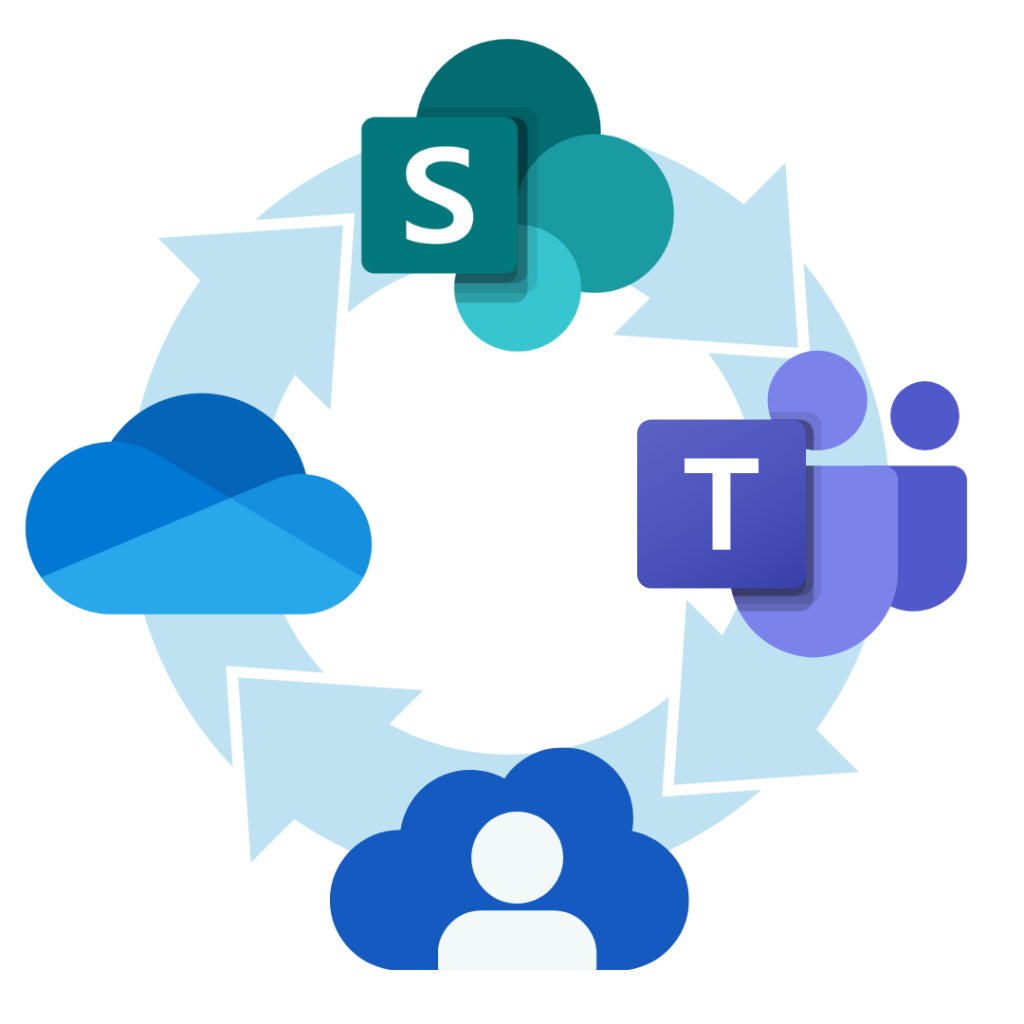
Document management in Microsoft 365 leverages SharePoint Online for centralised document storage, OneDrive for Business for personal and team file management, and Teams collaboration for seamless communication. These tools provide:
- Secure document storage with enterprise-grade encryption and compliance features.
- Workflow automation using Power Automate to streamline business processes.
- Legal hold and eDiscovery for compliance and regulatory needs.
- Document migration support for moving files from legacy systems or platforms like Google Workspace.
Technical Deep Dive
SharePoint Document Libraries
SharePoint Online document libraries are the backbone of Microsoft 365 document management. They offer:
- Version control for audit trails and collaborative editing.
- Metadata and taxonomy for advanced search and compliance tagging.
- Permissions management for secure document storage and access control.
- Approval workflows and workflow automation to reduce manual effort.
- Retention and sensitivity labels to support GDPR, ISO 27001, and other compliance requirements.
OneDrive for Business
OneDrive for Business provides secure, personal workspaces for drafts and working documents, with seamless integration into SharePoint Online for team collaboration and business productivity.
Microsoft Teams Integration
Teams collaboration surfaces SharePoint document libraries within channels, enabling chat-based collaboration and secure file sharing with guests.
Compliance and Legal Hold
The Microsoft 365 compliance centre empowers legal and compliance teams to:
- Place documents on legal hold.
- Run eDiscovery searches across mailboxes, Teams, and SharePoint.
- Monitor and report on document access and sharing for regulatory compliance.
Security
- Multi-factor authentication (MFA) and advanced threat protection for secure document storage.
- Audit logs for regulatory reporting and compliance.
Real-World Example: Adepteq’s SharePoint Document Management for UK Businesses
As a leading Microsoft Solutions Partner for Modern Work, we recently delivered a SharePoint Online document management solution for a enterprise – level UK business. The project included:
- Branded SharePoint sites, versioning, approval workflows, and metadata tagging.
- Secure, scalable architecture and remote training for staff.
- Iterative development, user acceptance testing, and ongoing support for best practice and compliance.
What Our Clients Say
Rachel Thomas – Moore, East Midlands ⭐⭐⭐⭐⭐
Adepteq were extremely helpful and knowledgeable, and made our SharePoint migration almost seamless. Ian and Phil were very patient when we had endless questions, and always explained everything clearly and simply. Highly recommended.
Liezel Fourie – Prescot, United Kingdom ⭐⭐⭐⭐⭐
We are very pleased with the end results; a program that is user friendly, easy to navigate and does what it says on the box. I would highly recommend them to anyone.
Jason Clotworthy – Sports Grounds Safety Authority, London ⭐⭐⭐⭐⭐
Adepteq have been a fantastic partner to work with and provided us with tremendous support as we embarked upon a number of projects.
Their SharePoint Online expertise, as well as their deep knowledge regarding the enitre Microsoft365 ecosystem, has been invaluable to us.
Always professional and always courteous, Adepteq have been a pleasure to work with. Highly Recommended!!!
Kat Chiva – Haverfords, United Kingdom ⭐⭐⭐⭐⭐
We are a small financial advisers firm which required SharePoint and Office 365 functionality with Teams calling plan. I have contacted number of firms and decided to go with Adepteq due to their no – nonsense attitudes, ability to communicate difficult technological concepts in plain language and frankly speaking the feeling I got that they knew exactly what I was after. Project was delivered on time, with no issues and with a degree of creative, outside the box thinking which we needed. Ivor’s quality of work was outstanding from start to finish and we could count on his support even after the project was delivered. After dealing with a number of IT support companies in the past I can honestly say that Adepteq was and continue to be the best IT service provider I have come across.
View more of our reviews here.
Get Started with Microsoft 365 Document Management for Your Business
Are you a business looking to streamline your document management, boost productivity, and ensure compliance—all while reducing operational risk? Microsoft 365 document management offers a secure, scalable, and cost-effective solution designed to help your business thrive in a digital world.
Contact us to arrange a personalised demonstration or a free consultation. Discover how Microsoft 365, together with expert support from trusted partners like Adepteq, can transform the way your business manages documents—making your operations more efficient, secure, and future-ready
Book in your FREE Discovery call with one of our cloud experts.
Frequently Asked Questions About Microsoft 365 Document Management
1. What is document management in Microsoft 365?
It’s the use of SharePoint Online, OneDrive for Business, and Teams collaboration to securely store, organise, and govern documents, with features like version control, metadata tagging, permissions management, and workflow automation.
2. How does Microsoft 365 help with compliance and legal requirements?
Microsoft 365 provides built-in compliance tools, including retention policies, sensitivity labels, audit trails, and legal hold capabilities, supporting standards like GDPR and ISO 27001.
3. Can I control who accesses documents in Microsoft 365?
Yes. Permissions can be set at the site, library, folder, or document level, ensuring secure document storage and business productivity.
4. What happens to my documents if my Microsoft 365 subscription expires?
You typically retain read-only access for a limited period, allowing time for renewal or document migration.
5. How does version control work in SharePoint and OneDrive?
Version control tracks changes, allowing users to view, restore, or compare previous versions—essential for audit trails and compliance.
6. Is it possible to automate document workflows in Microsoft 365?
Absolutely. Workflow automation with Power Automate streamlines approvals, notifications, and other business processes.
7. How secure is document storage in Microsoft 365?
Microsoft 365 uses encryption, multi-factor authentication, and advanced threat protection for secure document storage.
8. Can I migrate documents from other platforms to Microsoft 365?
Yes. Document migration is supported from platforms like Google Workspace and local file servers, with partners like Adepteq providing expert assistance.
9. What support is available for Microsoft 365 document management?
Support is available via Microsoft, certified partners, and online resources. Adepteq offers tailored support, training, and best practice guidance.
10. How does Microsoft 365 handle external sharing and collaboration?
You can securely share documents with external partners using guest access or secure links, with granular control over permissions and expiry dates.