

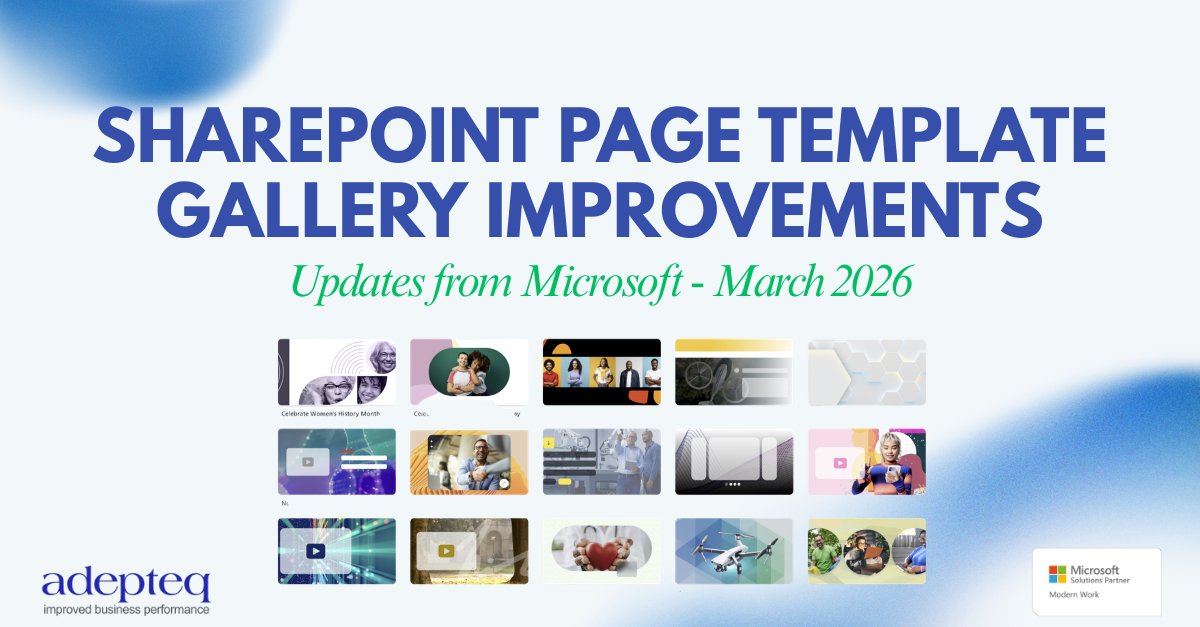
Microsoft is introducing enhancements to the SharePoint page template gallery, designed to make it easier for users to discover, browse, and apply templates when creating pages and news posts. Alongside usability improvements, Microsoft is also releasing 31 new modern SharePoint templates to support common communication and storytelling scenarios.
These updates aim to simplify content creation, encourage consistency across sites, and help organisations deliver more engaging intranet experiences.
This update aligns with Microsoft 365 Roadmap ID 490565.
When will this rollout happen?
-
Targeted Release: Beginning early March 2026, with completion expected by mid-March 2026
-
General Availability (Worldwide, GCC, GCCH, and DoD): Rolling out from late March 2026 through early April 2026
The feature will be enabled automatically — no configuration changes are required.
What’s changing in SharePoint?
Easier access to page templates
Microsoft is expanding how users access the template gallery, making template-based creation the default experience across SharePoint.
Users will now be able to open the template gallery from:
-
Site Settings during site configuration
-
Site Contents → + New → Page, which now opens the template gallery instead of a blank page
-
New site onboarding experiences, such as “Next steps” guidance
-
The Stream (video) app when creating video news posts
This encourages structured content creation from the start rather than relying on blank pages.
Improved browsing and filtering
Finding the right template will become significantly easier with enhanced navigation features:
-
Templates organised by categories such as:
-
Announcements
-
Storytelling
-
Video
-
News
-
-
Multiple filters can be applied simultaneously
-
Filters remain active when switching between Pages and News views, maintaining user context
Unified experience for Pages and News posts
Microsoft is introducing a single template gallery supporting both:
-
SharePoint Pages
-
News Posts
Templates automatically open in the correct creation mode, removing confusion and streamlining the authoring experience.
Built-in template search
Users can now search directly within the template gallery and combine search with filters to quickly locate suitable templates.
31 new modern SharePoint templates
Microsoft is adding 31 new out-of-the-box templates, designed for common internal communications and content scenarios, helping organisations create professional pages faster while maintaining visual consistency.
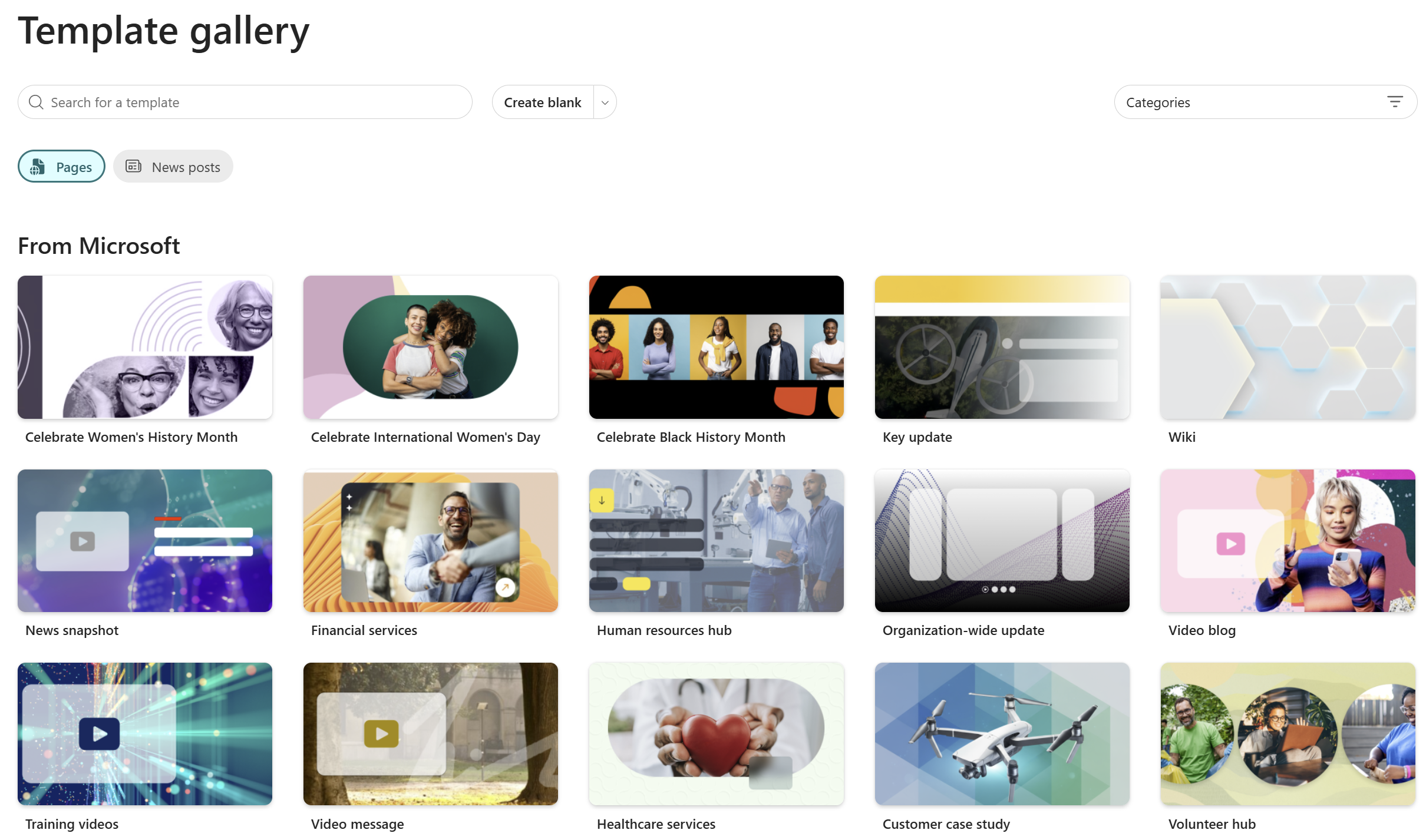
Additional details
-
Enabled by default
-
No tenant-level configuration required
-
Existing SharePoint permissions remain unchanged
What this means for Adepteq clients
These improvements represent more than a UI update — they signal Microsoft’s continued shift toward template-led intranet governance and structured content creation.
For Adepteq clients, this creates several opportunities:
1. Stronger intranet consistency
With templates becoming the primary entry point for page creation, organisations can:
-
Standardise layouts across departments
-
Maintain branding and communication standards
-
Reduce inconsistent or poorly structured pages
A well-designed template gallery now plays a central role in intranet governance.
2. Greater value from custom SharePoint templates
Clients using (or planning) Adepteq intranet solutions can expand their custom page template libraries to include:
-
Department landing pages
-
Campaign or announcement templates
-
Leadership communications
-
Project updates
-
Knowledge base articles
-
Event and onboarding pages
Because templates are easier to discover, adoption rates are expected to increase significantly.
3. Improved content creator experience
Content creators will benefit from:
-
Faster page creation
-
Reduced decision-making when designing layouts
-
Built-in guidance through structured templates
This lowers the barrier for non-technical users while improving overall content quality.
4. Opportunity to review your SharePoint template strategy
We recommend organisations review:
-
Existing page templates
-
Naming conventions and categorisation
-
Governance and ownership of templates
-
Alignment with internal communications strategy
The enhanced gallery makes template organisation more visible — and more important — than before.
How Adepteq can help
Adepteq supports organisations in maximising SharePoint and Microsoft 365 investments through:
-
SharePoint intranet design and optimisation
-
Custom page template creation
-
Template governance and lifecycle planning
-
Microsoft Teams and Viva Connections integration
If you would like help reviewing or modernising your SharePoint template gallery, our team can guide you through best practices aligned with Microsoft’s latest updates. Just book in a 1:1 with one of our Microsoft Experts.