

Optimise Your Document Workflows with SharePoint Document Management
At Adepteq, we deliver tailored SharePoint document management solutions that are secure, efficient, and fully compliant with GDPR and ISO standards. We avoid the pitfalls of a basic ‘lift and shift’ by focusing on your unique needs—ensuring strong adoption and long-term success.
Our streamlined approach:
Discovery workshop to understand your people, processes and requirements
Clearly defined scope and practical business goals
Custom solution design
Secure, seamless document migration
User training for effective adoption
Modernise your document management with a solution built to support your business from day one.
Curious about SharePoint Document Management? Download our guide to learn how to organise your files, metadata and governance.
What value does SharePoint Document Management bring to my business?
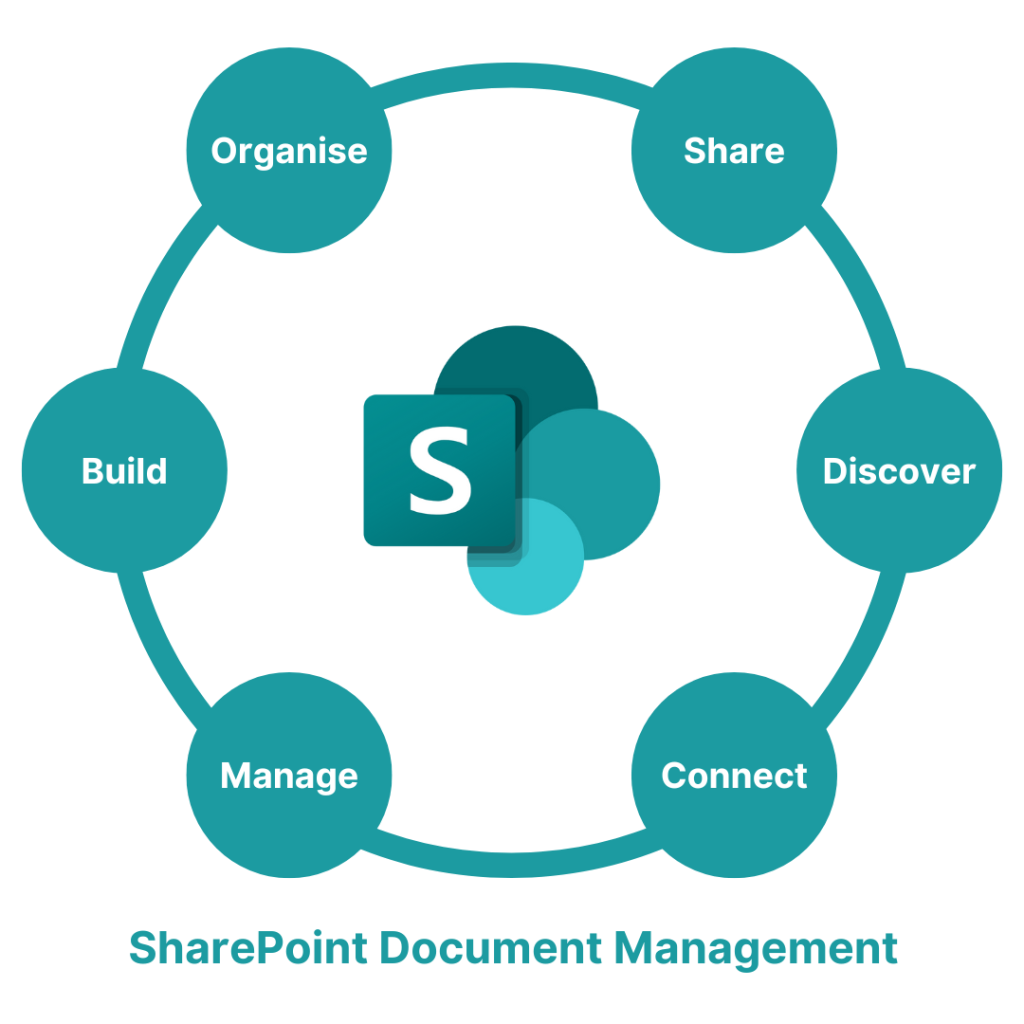
Ditch outdated file shares and VPNs. A SharePoint Document Management system offers a modern, secure way to store, access, and collaborate on documents from anywhere.
- Boosted Productivity: Teams can find, edit, and share documents quickly—improving collaboration and reducing time spent on admin.
- Automated Workflows: Streamline reviews and approvals with custom workflows built around your business processes.
- Strong Compliance & Security: Control access, track changes, and meet GDPR and ISO requirements with built-in compliance features.
- Faster, Smarter Decisions: Organised, centralised data enables quicker, more informed decision-making.
- Lower IT Costs: Reduce reliance on legacy systems and simplify your IT landscape.
With Adepteq, your SharePoint solution will be tailored to your organisation—ensuring long-term value and successful adoption.

Document Templates
Design document templates that reflect your organisation’s structure, branding, and workflows.

Document Creation
Boost productivity by creating and collaborating on documents effortlessly with SharePoint Online.

Document Storage
Enable fast, secure document storage with seamless access for your team—wherever they work.

Document Libraries
Securely file documents and apply unique permissions, so only the users you want to access the documents can do.

Document Repository
Easily transition to SharePoint by migrating existing repositories to your libraries—streamlining upgrades, reducing disruption.

Document Archiving
SharePoint Online makes it simple to archive content for future use, restoring it instantly when needed—supporting business continuity.
Core SharePoint functionalities that support smarter working include:
Access to documents is limited to only those people that should be allowed to read, edit or create them. User roles and access controls can be tailored to your business needs, ideal for established businesses and growing companies.
Manage all metadata for any document, which can be viewed and edited simultaneously by multiple users. Users will be alerted if someone else is already editing the same document.
Workflow processes within the document management system can be used to manage and automate approvals for increased efficiency.
SharePoint makes it easy to search for a document. The metadata search facility will find any matching words within the document, filename or metadata to reduce time and frustration spent searching.
Use the SharePoint document management system to access your documents and communicate with your team at any time and anywhere by using your desktop PC or any mobile device.
All SharePoint online documents maintain a version history and any version can be viewed or restored as required for improved content governance.
SharePoint Document Management Workshops:
Best Practices for Your Organisation
We find that many organisations using SharePoint primarily focus on professional document storage but often don’t fully leverage its powerful features. Our workshop helps you make informed decisions on managing and controlling your document system by exploring all the options available, including:
Understanding the full range of SharePoint’s document management capabilities
Identifying best practices for document organisation and control
Learning how to improve workflows and compliance
Maximising the value and efficiency of your SharePoint investment
This ensures you get the most out of your document management system tailored to your organisation’s needs.
Streamlining Sales Success with a Revolutionary Document Management Solution
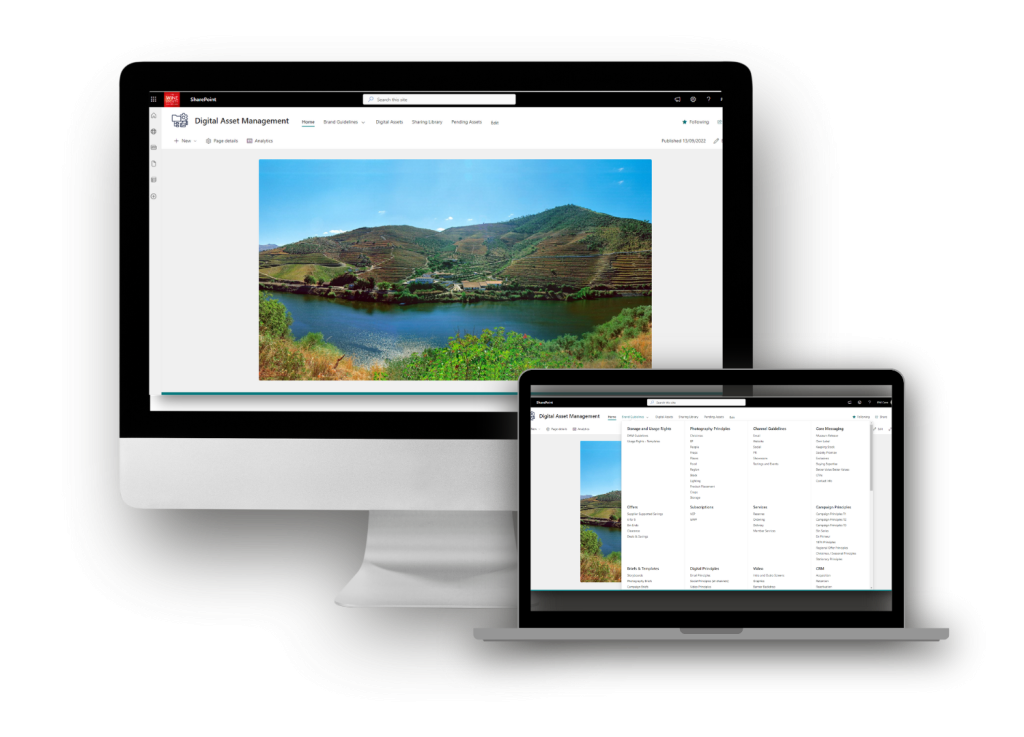
The Wine Society is a renowned wine merchant based in the United Kingdom. Discover how The Wine Society overcame their sales challenges and achieved unparalleled success in managing their vast collection of digital assets, propelling their marketing campaigns, publications, and product promotions to new heights using SharePoint document management.
Frequently Asked Questions About Document Management
SharePoint Document Management is a system that helps organisations store, organise, and control access to documents securely within a central platform.
SharePoint allows real-time co-authoring, version control, and easy sharing, enabling teams to collaborate efficiently without confusion or duplicate files.
Yes, SharePoint offers robust security features including permissions management, data encryption, and compliance with standards like GDPR and ISO.
Absolutely. SharePoint supports custom workflows to automate document approvals, reviews, and notifications, increasing efficiency and reducing manual tasks.
SharePoint automatically tracks and stores document versions (both major or major and minor), allowing users to view, restore, or compare previous versions easily.
Yes, SharePoint integrates with Microsoft 365 apps and many third-party tools like CRM and ERP systems to provide a unified work environment.
SharePoint supports a wide range of file types including Word, Excel, PDFs, images, videos, and custom business documents. Typically if you have an application that can read your file, you can store it in SharePoint.
SharePoint provides audit trails, data retention policies, and permissions settings that help organisations meet regulatory compliance standards.
Workshops cover best practices for document control, structuring libraries, automating workflows, and strategies to maximise user adoption.
These workshops are ideal for IT teams, document controllers, business managers, and anyone involved in managing or using document systems in SharePoint.
Book Your Free SharePoint Crash Course
See SharePoint in action with a free 2-hour crash course, tailored for your organisation. Learn how SharePoint can simplify collaboration, improve information management, and deliver measurable business impact. Discover what’s possible and leave with actionable insights to empower your people, not just your IT.